OpenClaw
Set up OpenClaw, the local open-source agent platform, with AnyRouter: run openclaw onboard, pick custom providers, and enter your API key and model ID.
OpenClaw is an open-source agent platform that runs on your local machine and works through the chat apps you already use.
Installation
Make sure Node>=22 before installing
Run the install command
npm install -g openclaw@latestTerminal setup
Open a terminal and run the following command to start the setup
openclaw onboardSelect Yes
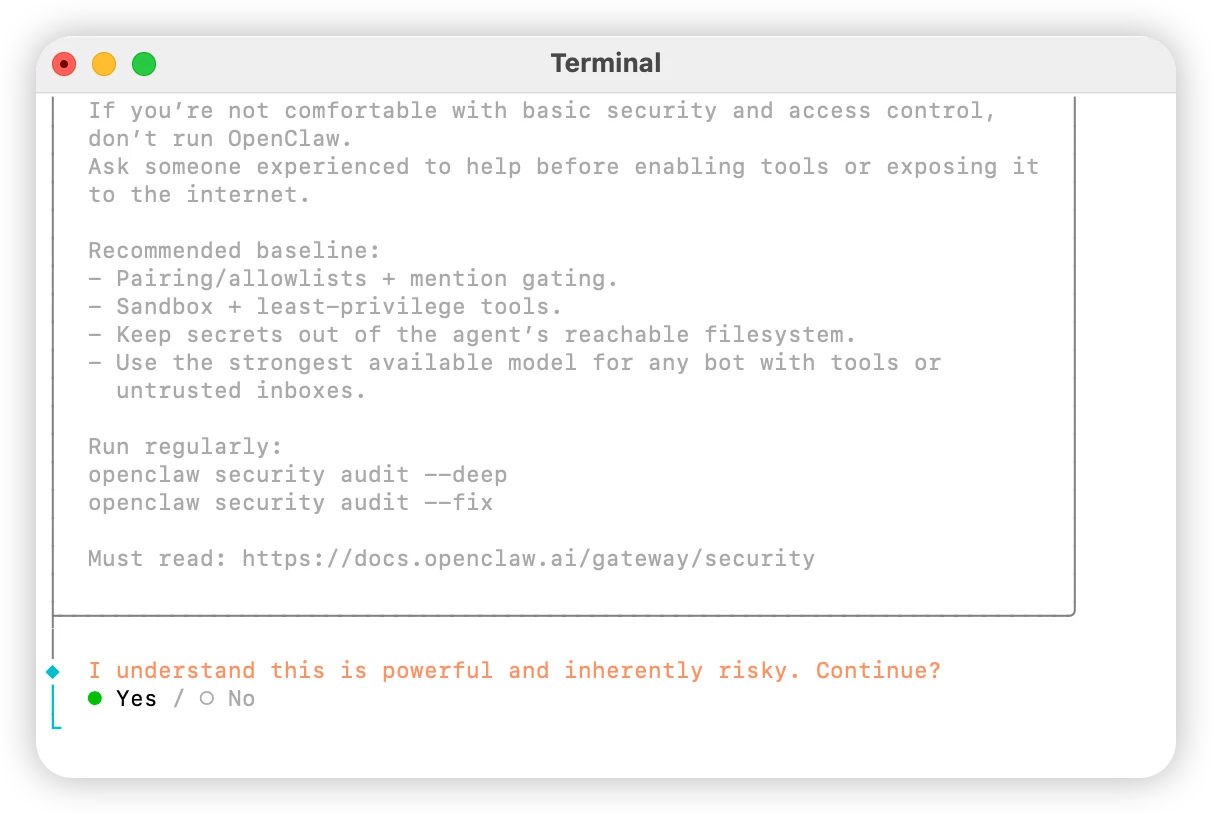
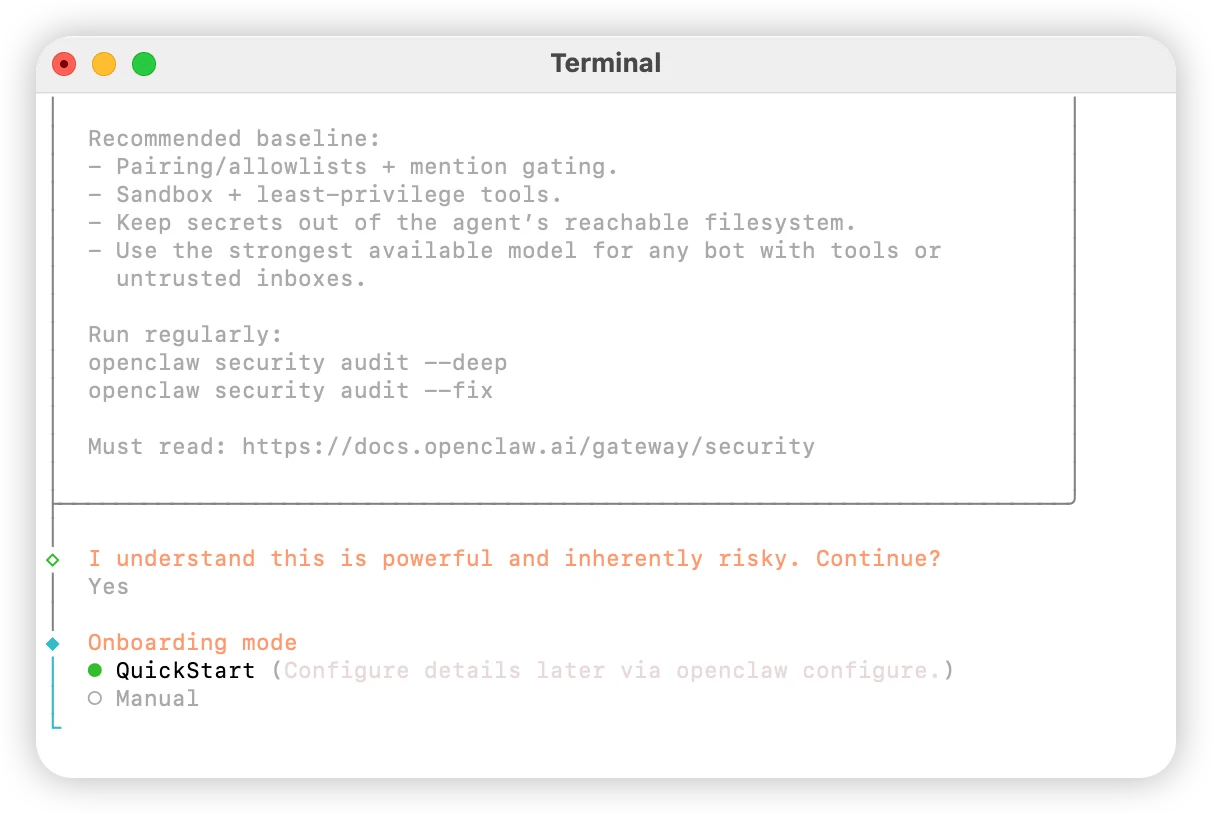
Select QuickStart
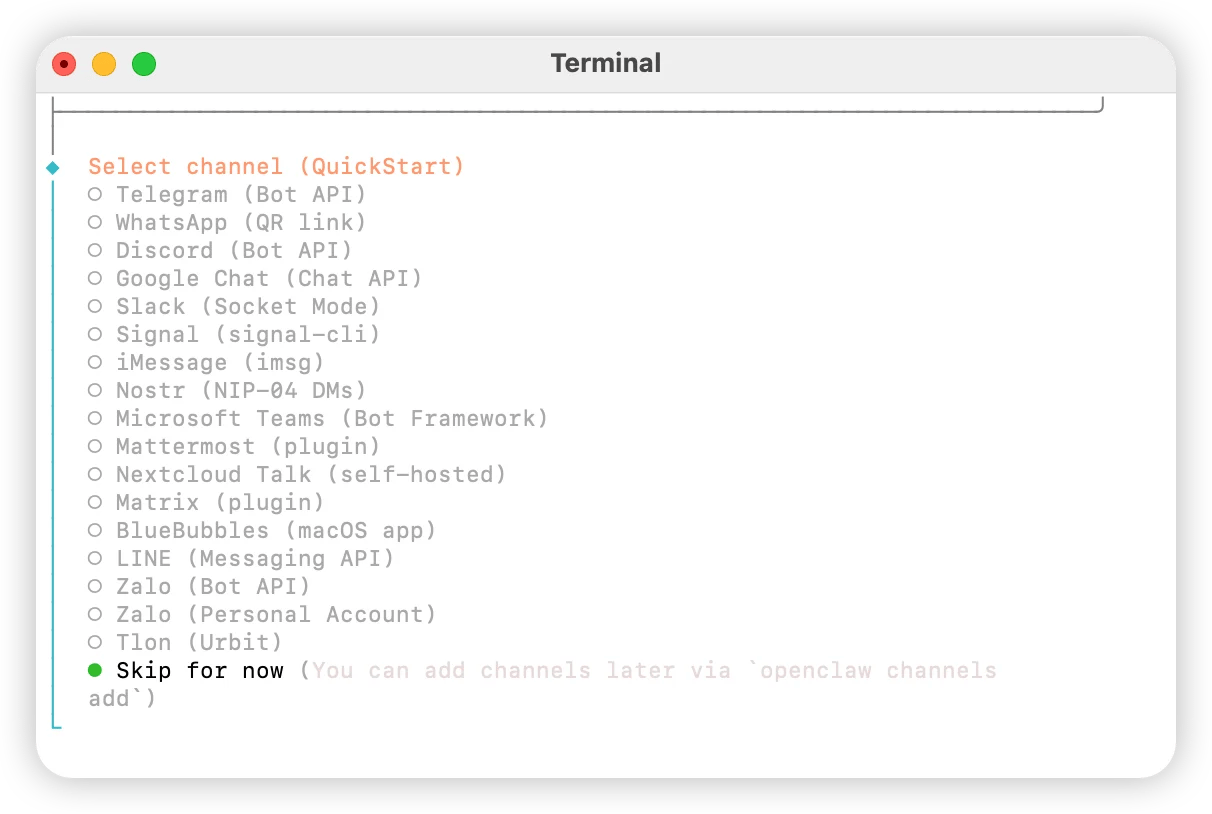
Select Skip for now
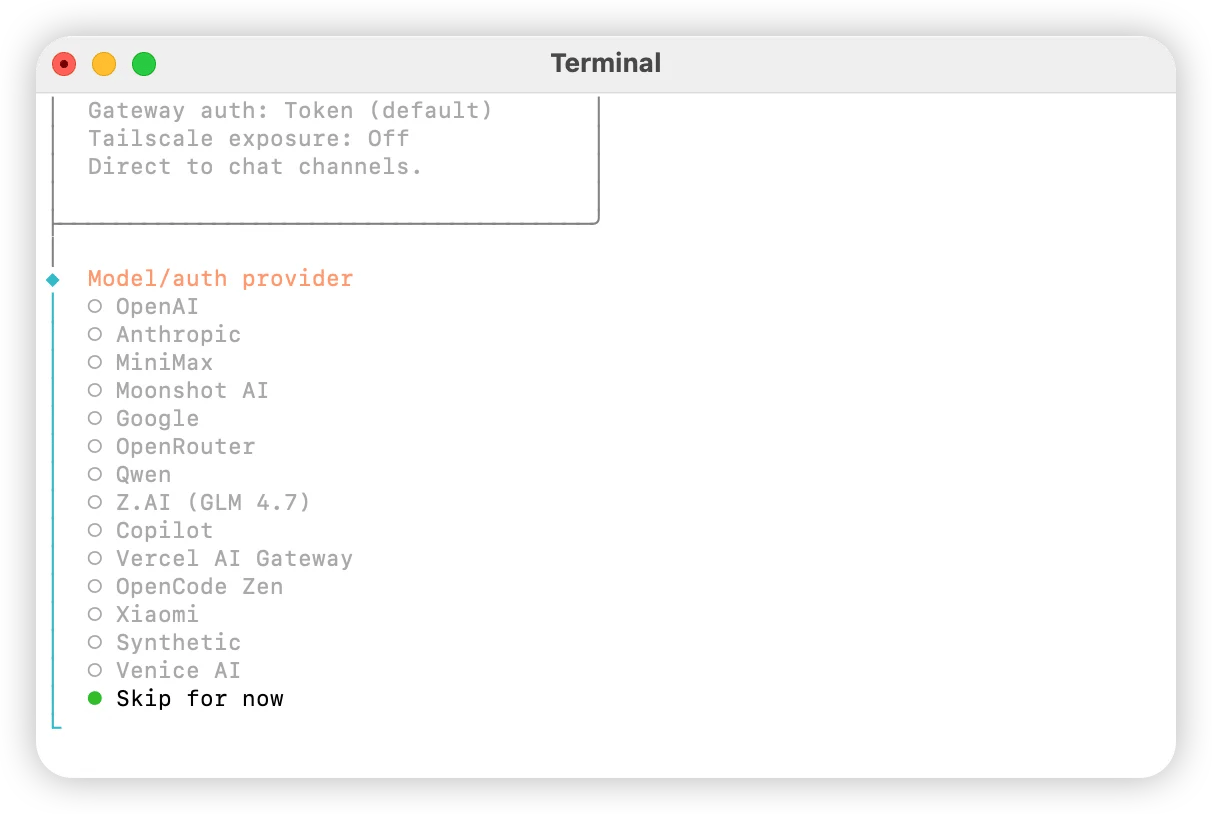
Select custom providers
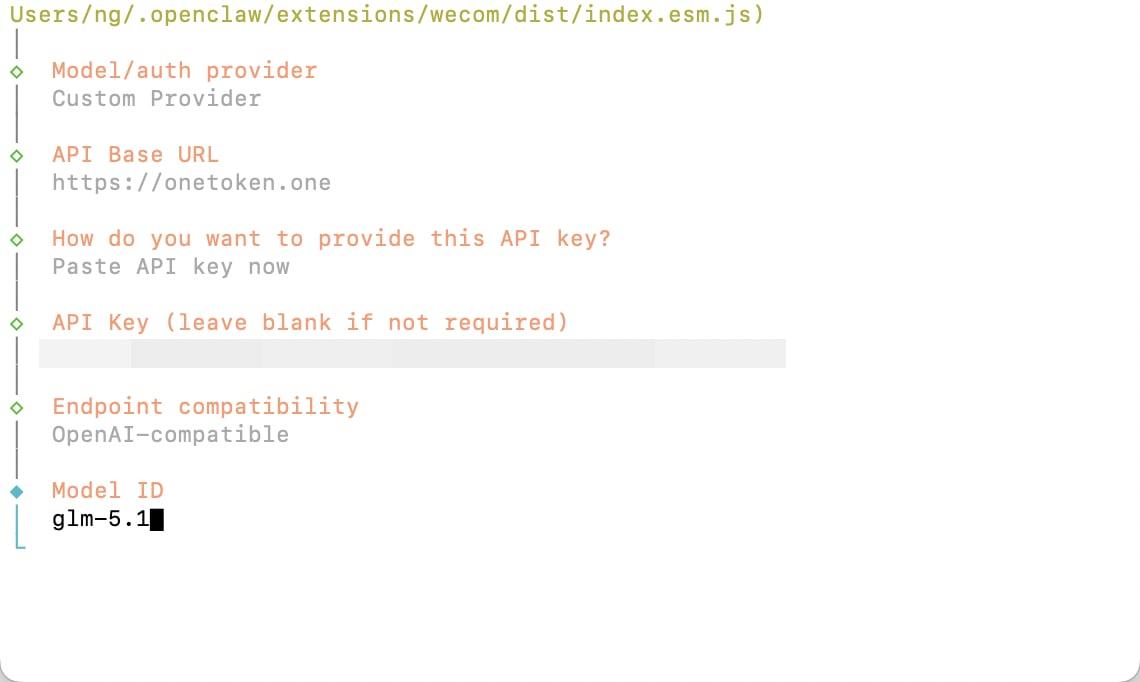
Enter https://anyrouter.win
Press Enter to accept the default
Enter the API key obtained from the platform
Select OpenAI-compatible and press Enter
Enter the ID of the model you want to use
Link personal accounts as needed; if you do not need this, select Skip for now
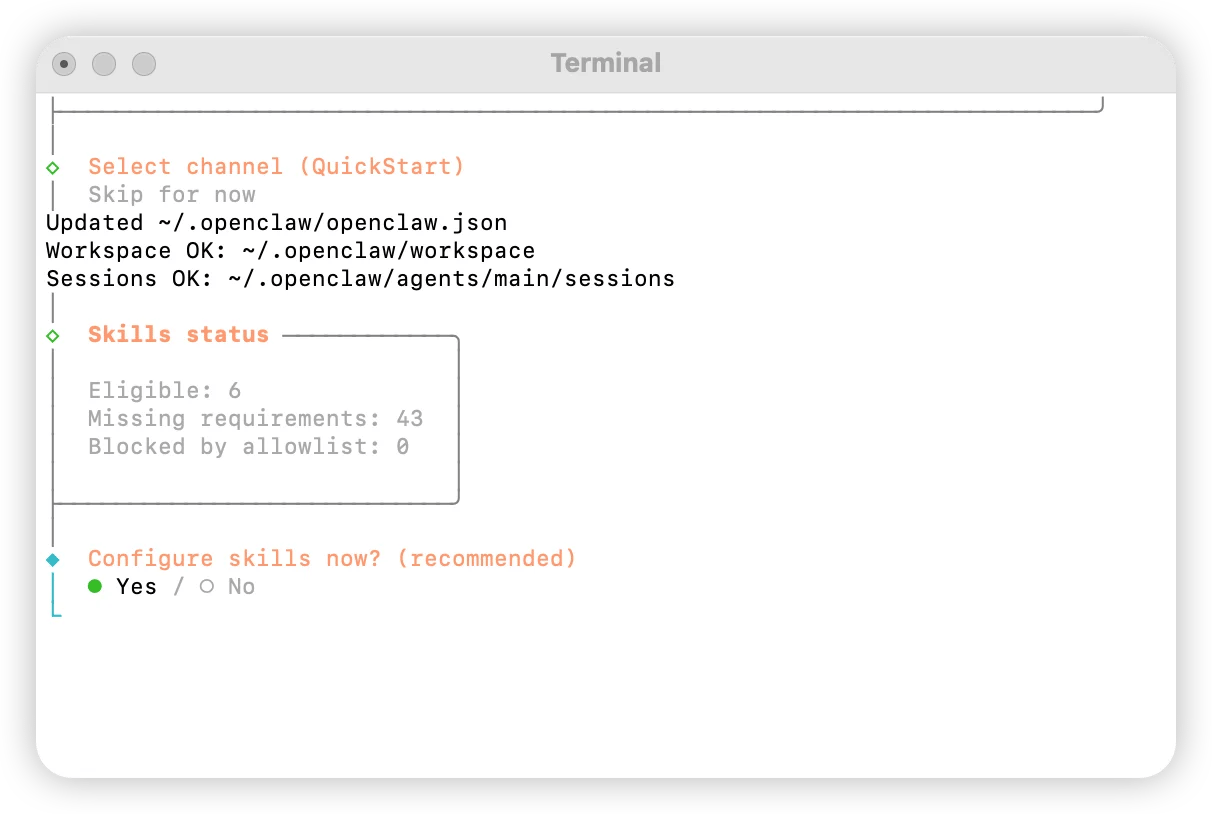
Configure skills: select Yes
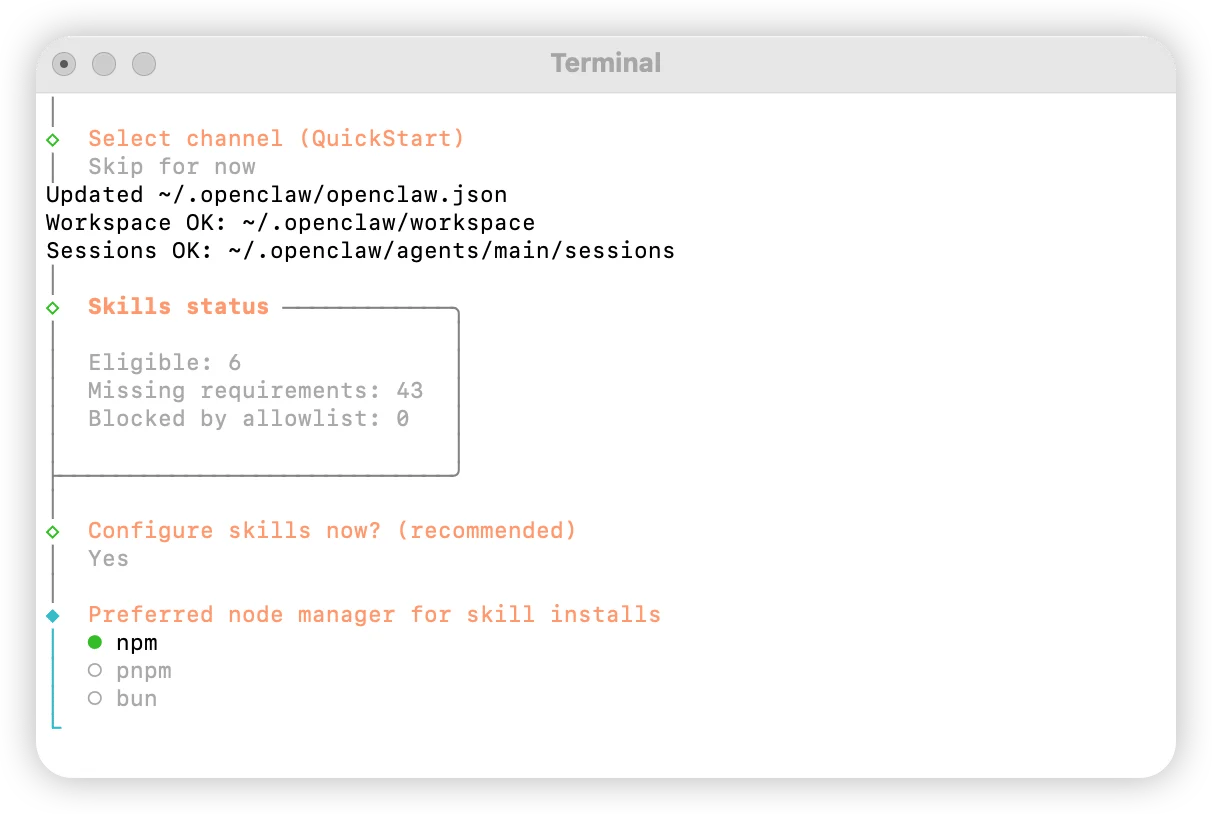
Select npm
Choose skills according to your needs
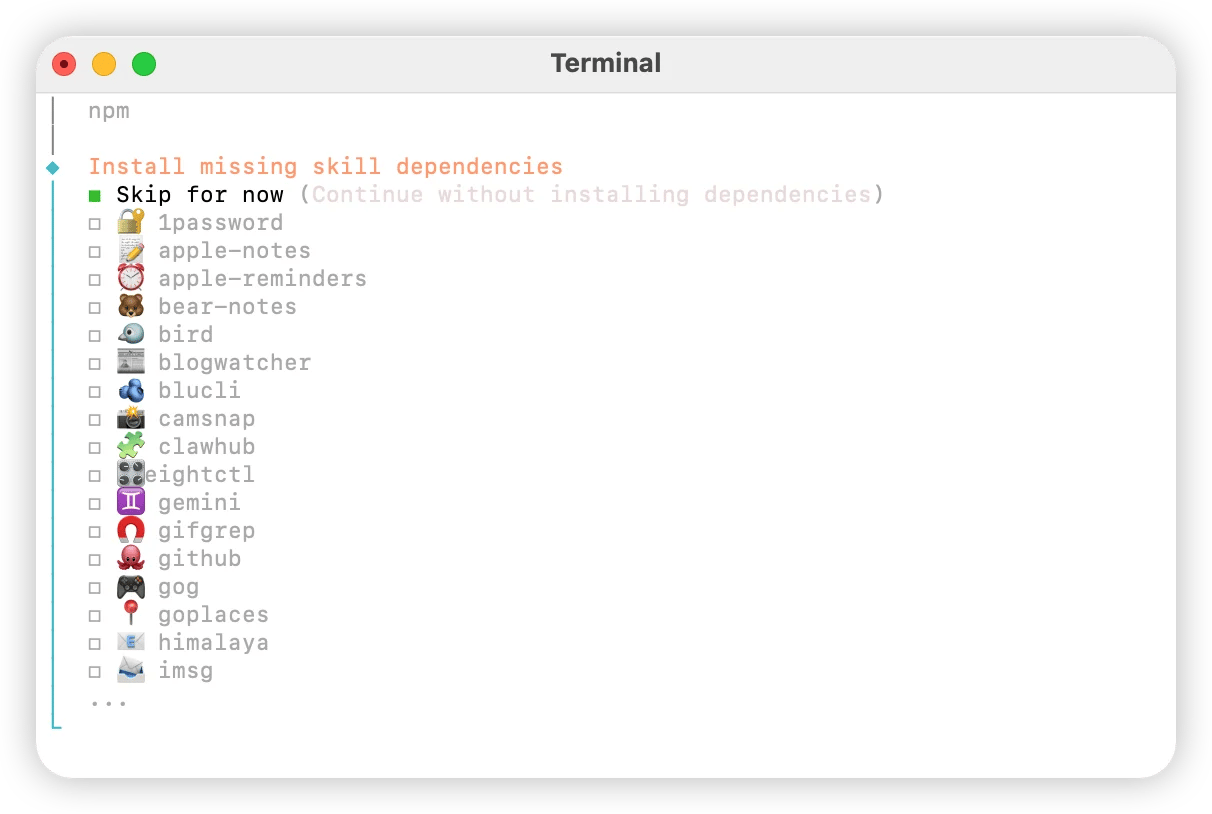
Select No for all
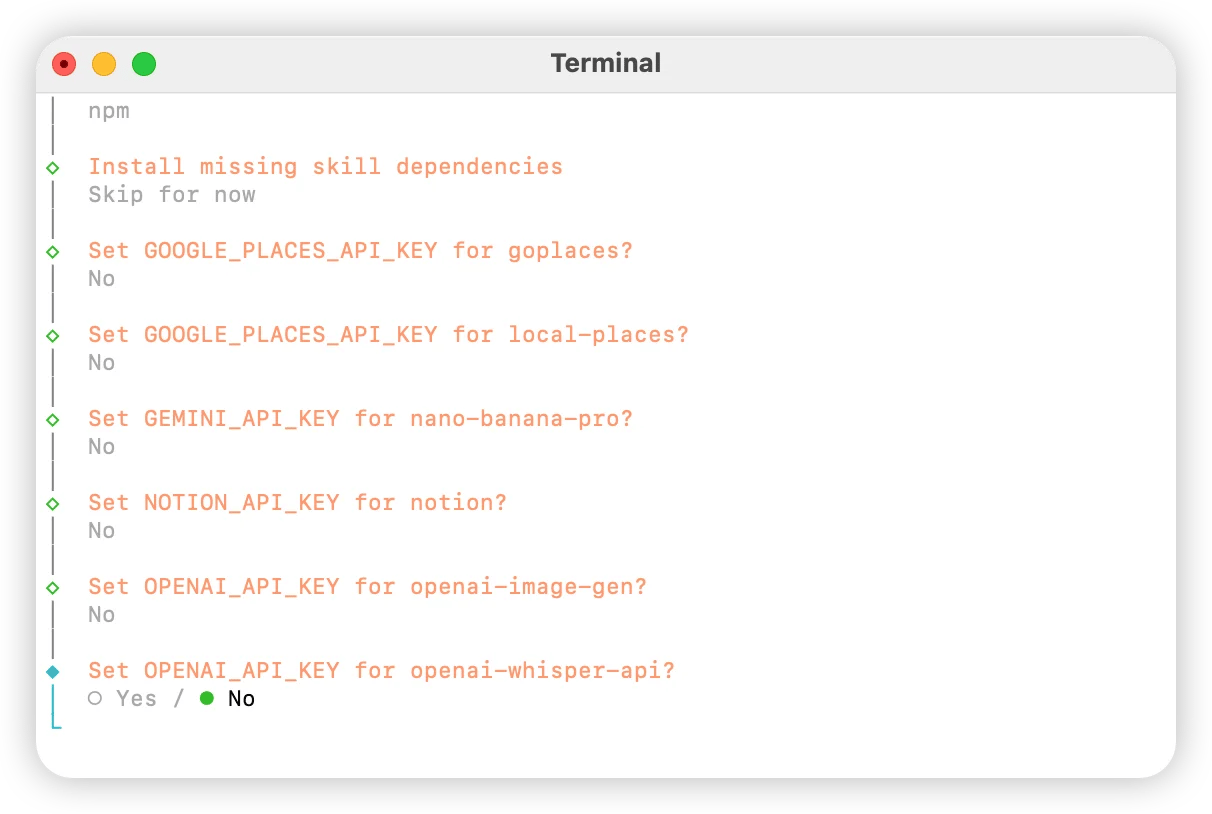
Select Skip for now
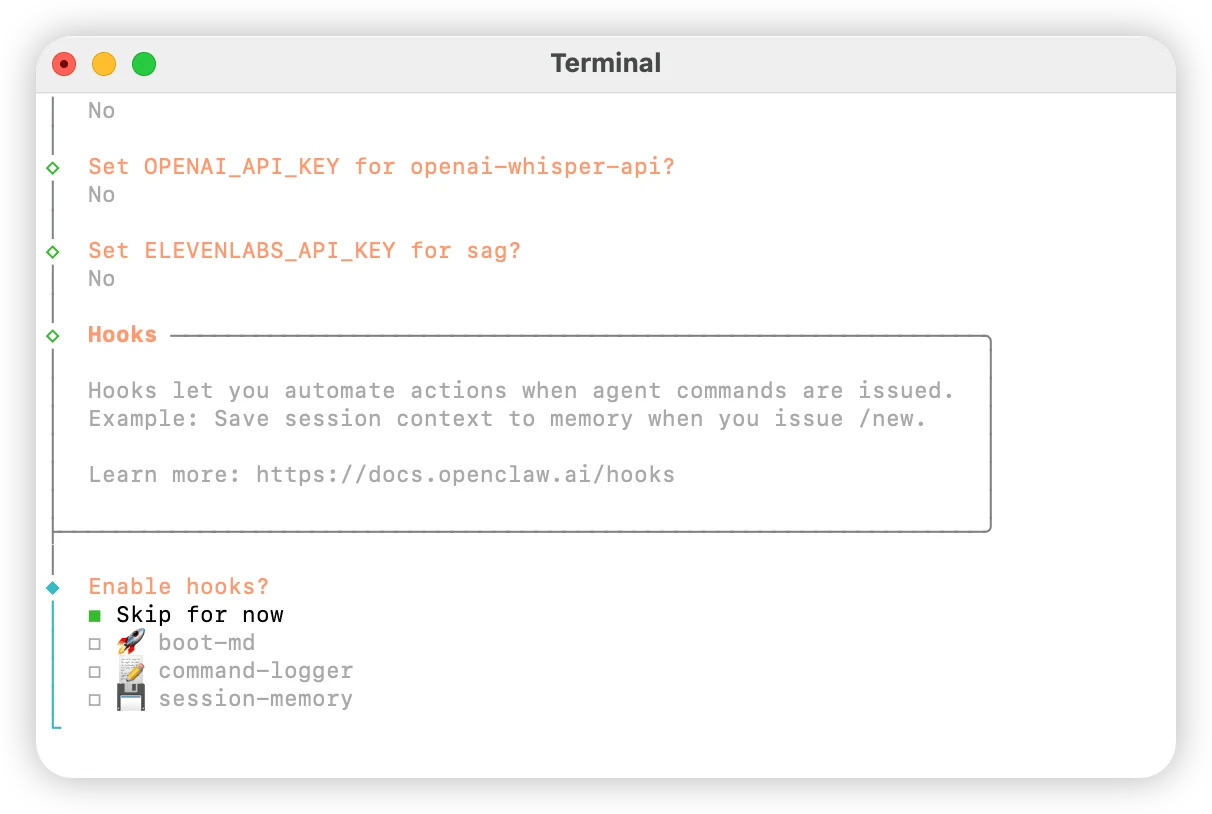
Select Hatch in UI
OpenAI Codex
Run OpenAI Codex via AnyRouter: configure base_url in config.toml and your API key in auth.json or with cc-switch, then use it in the terminal or desktop app.
OpenCode
Connect OpenCode, the open-source AI coding assistant, to AnyRouter: choose OpenAI Compatible, set the base URL and API key, and add custom model IDs.