Editor & Tool Configuration
Coze Configuration Guide
Use the AnyRouter relay API in Coze workflows: create a workflow, add an HTTP request node, fill in the chat completions URL and API key, and test-run.
Using the relay API in Coze workflows
1. Create a new project
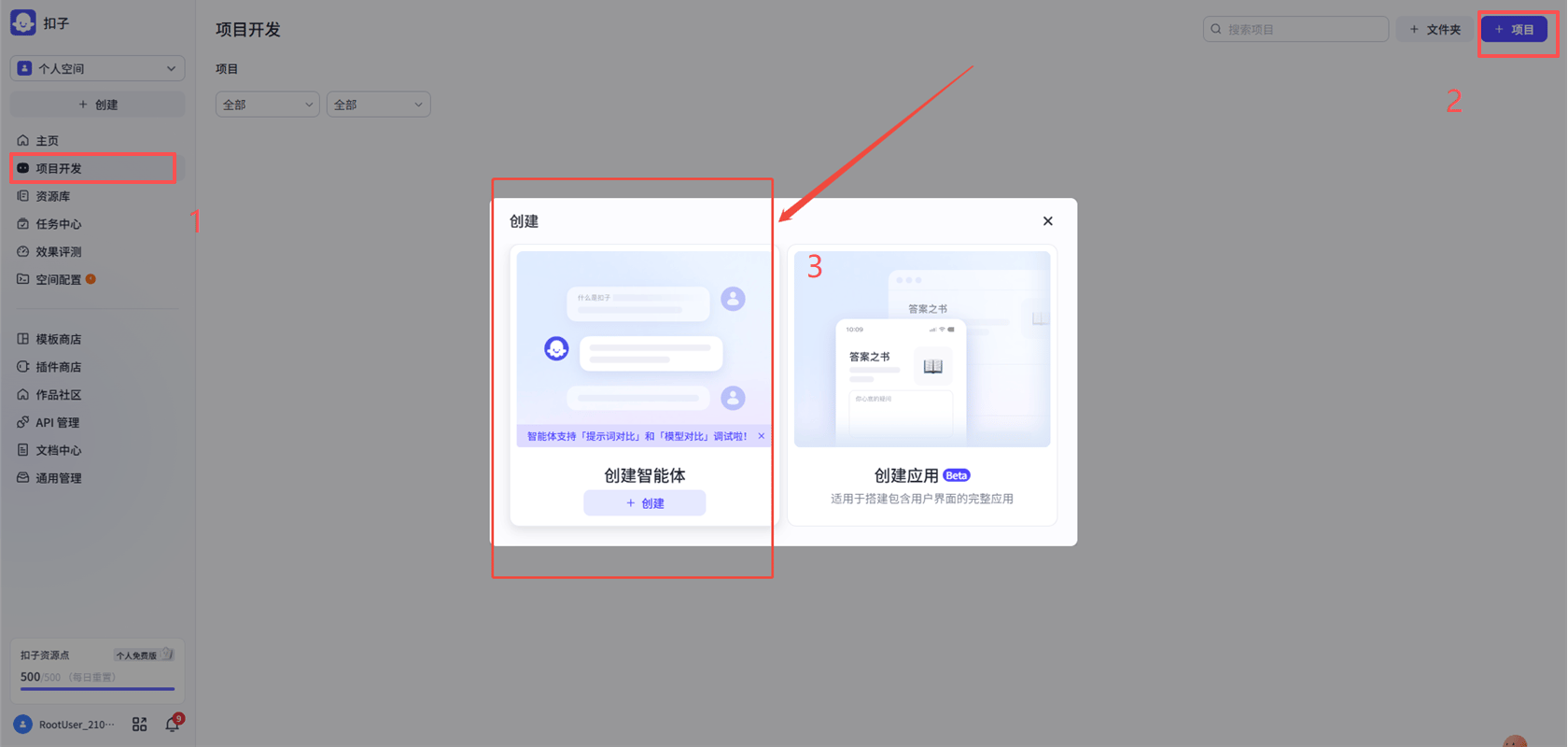
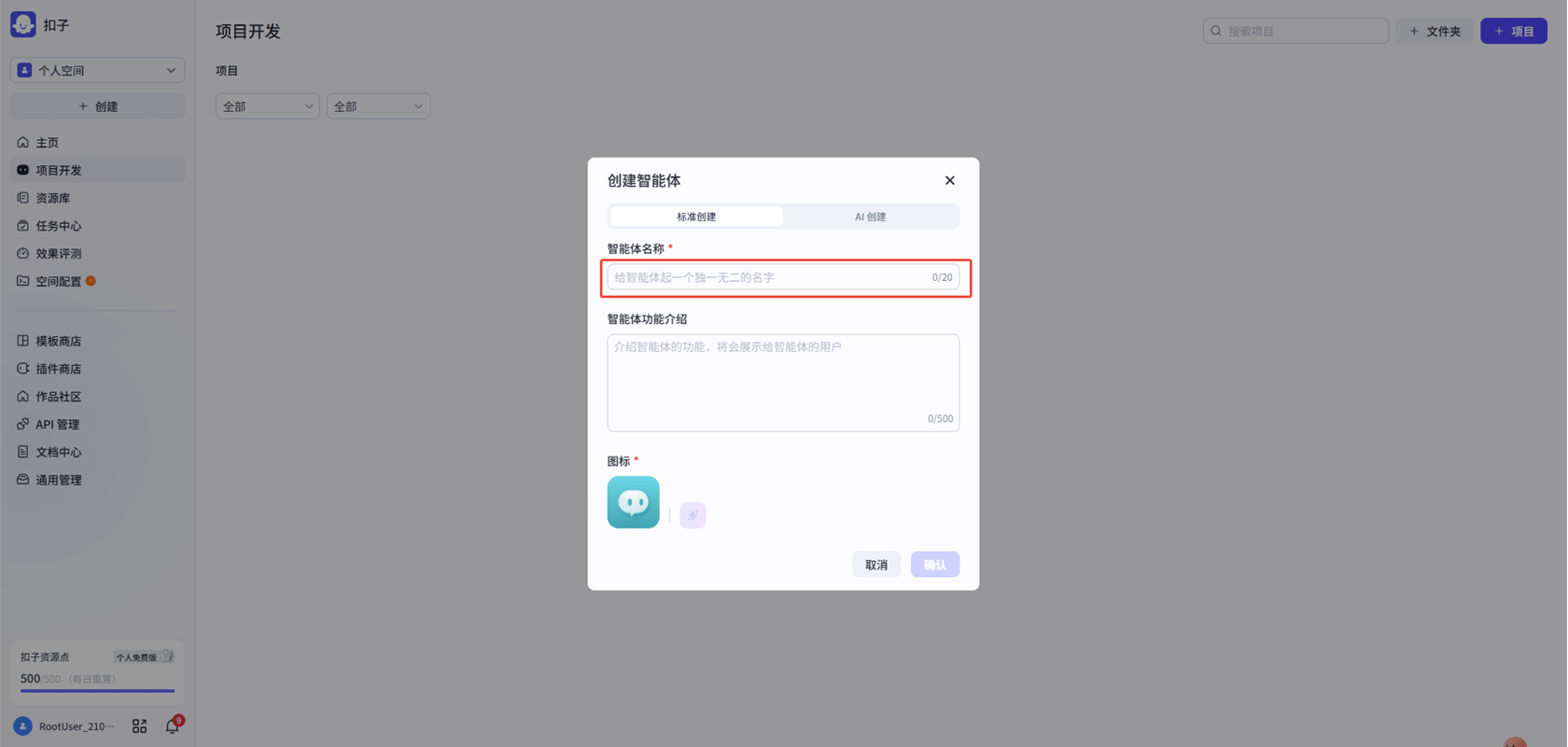
2. Create a new workflow
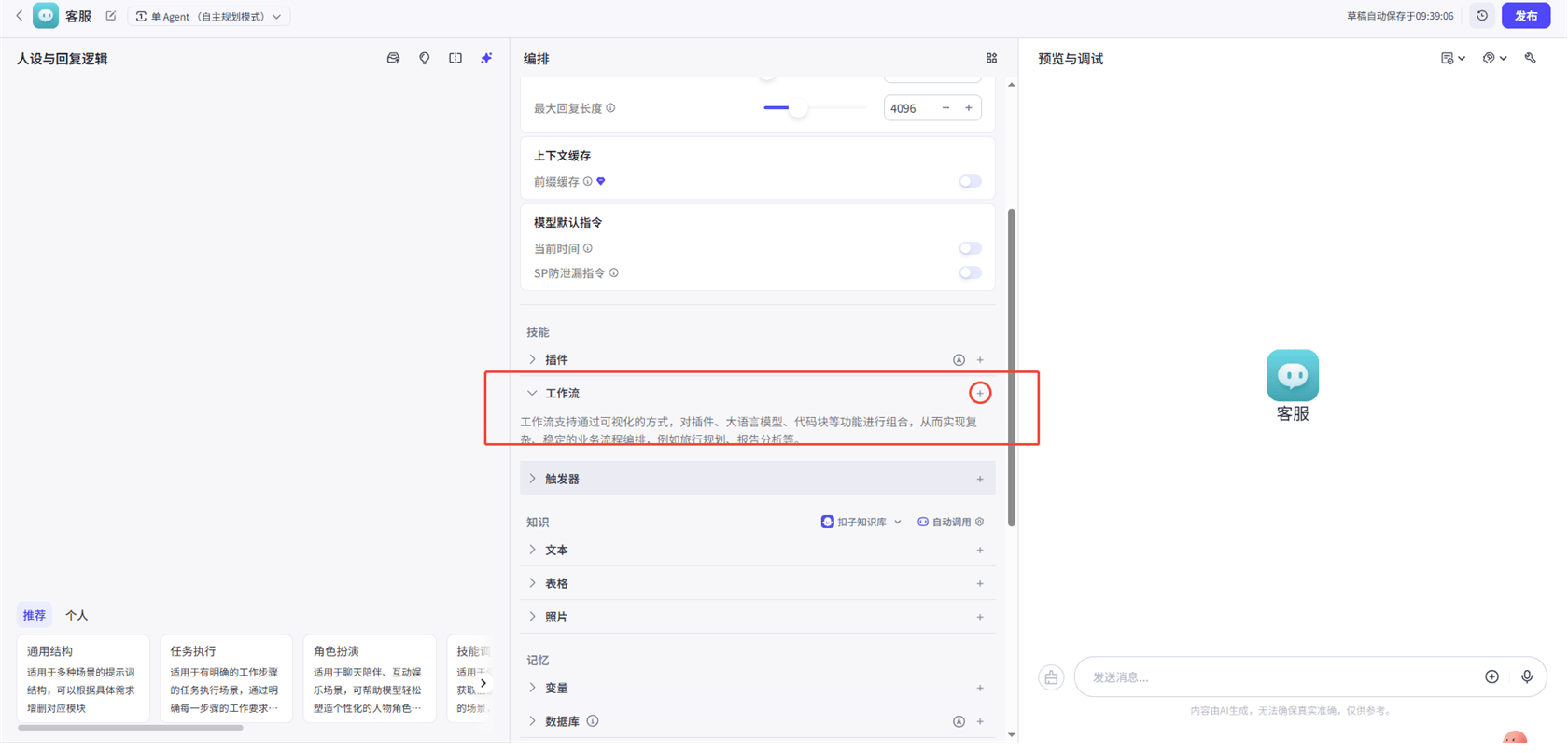
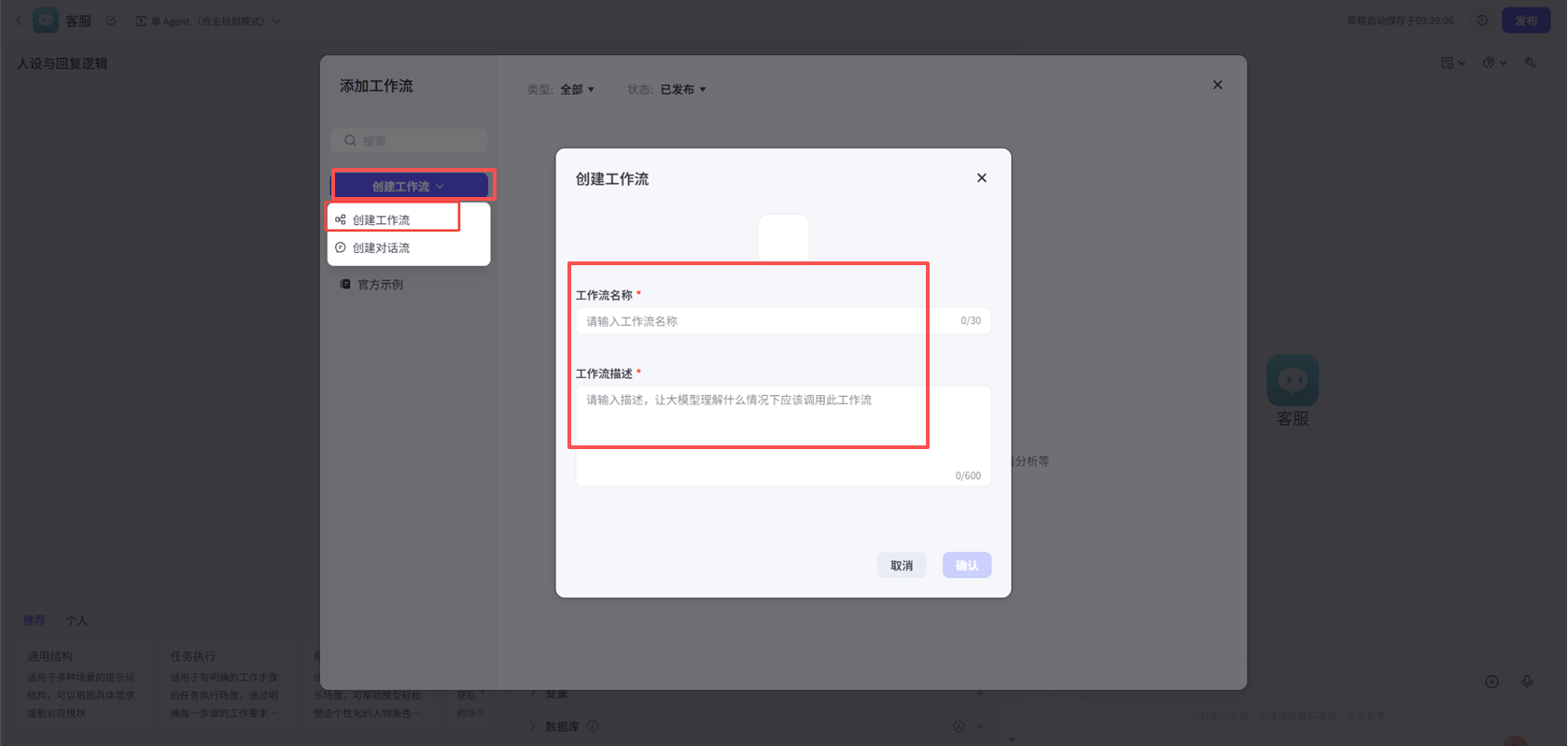
3. Add an HTTP request node
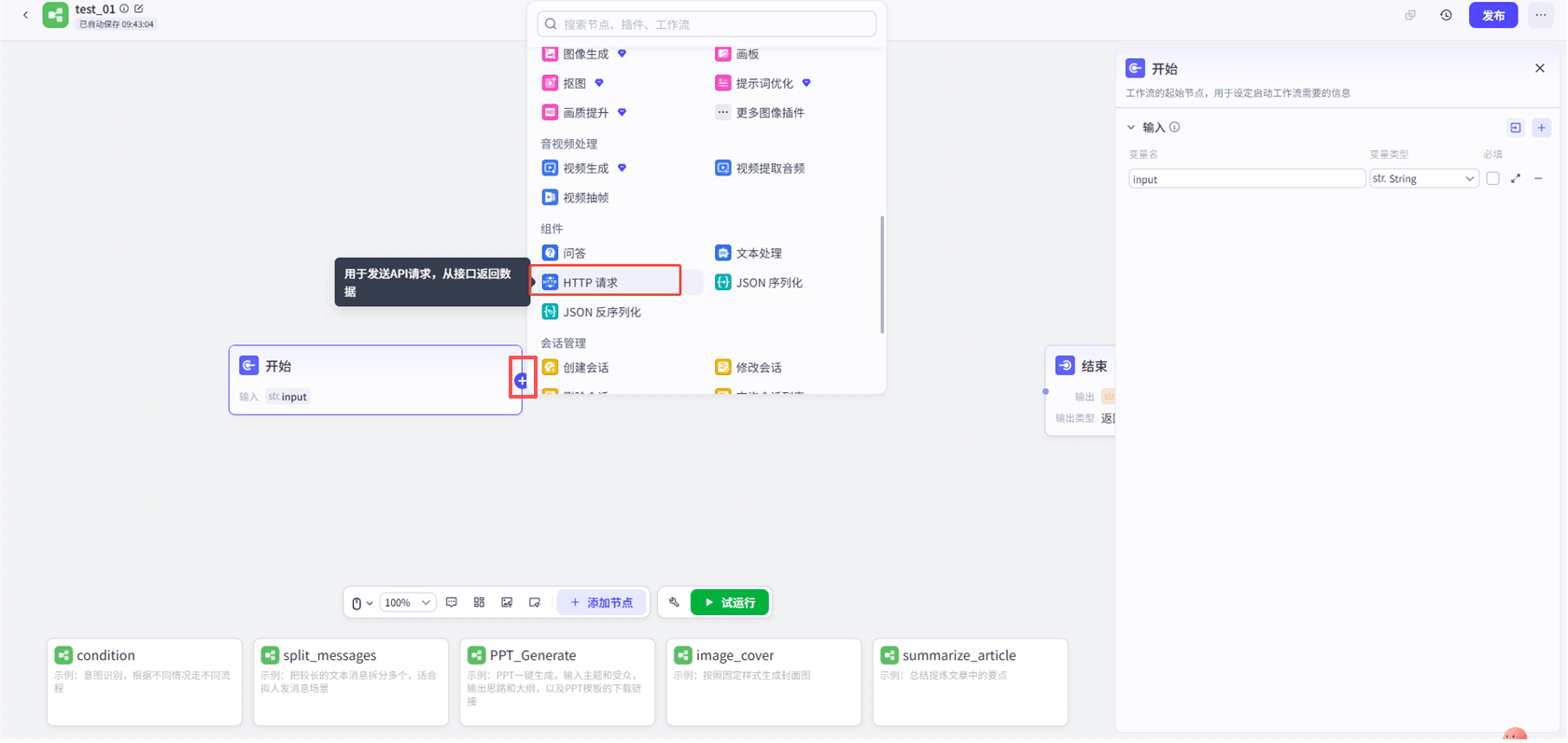
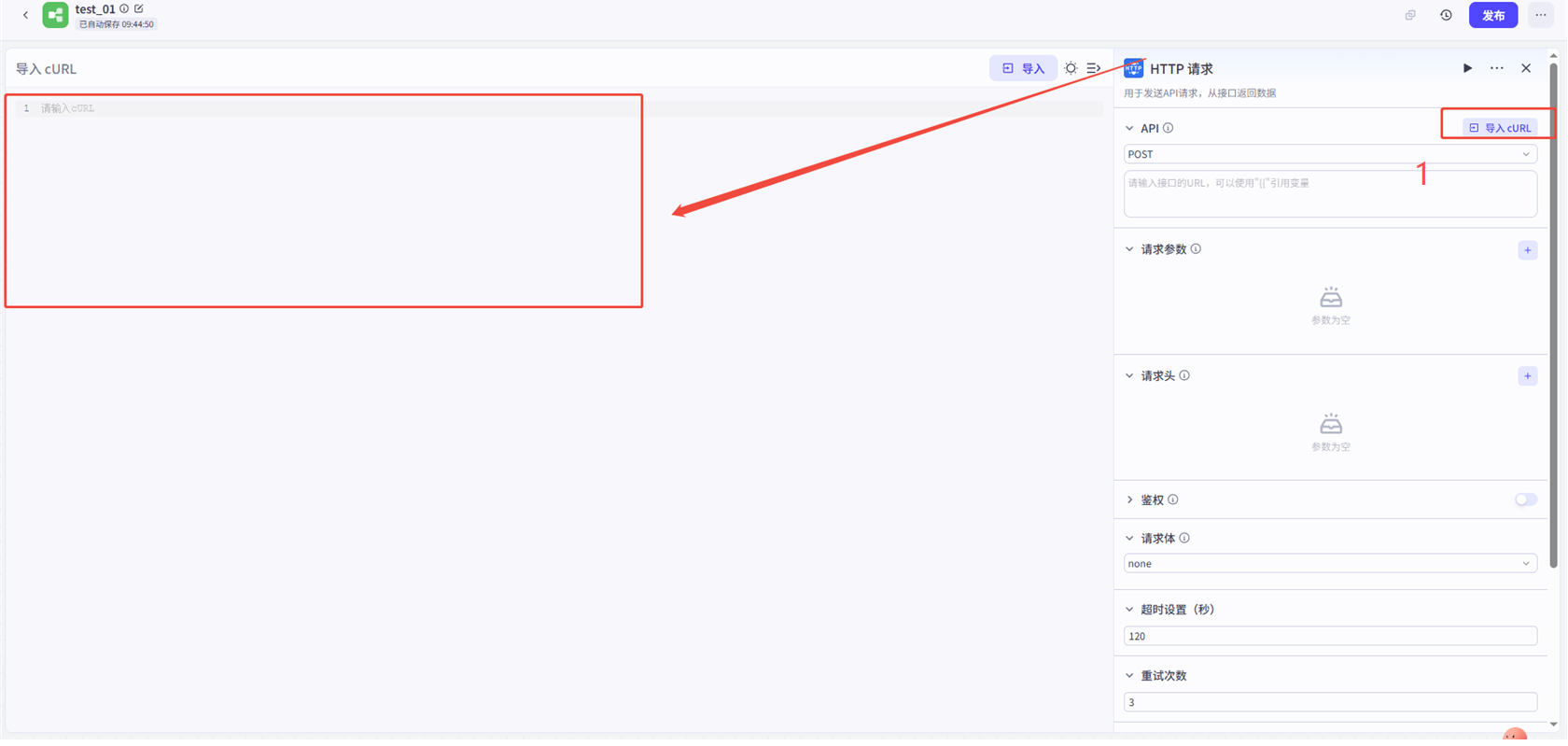
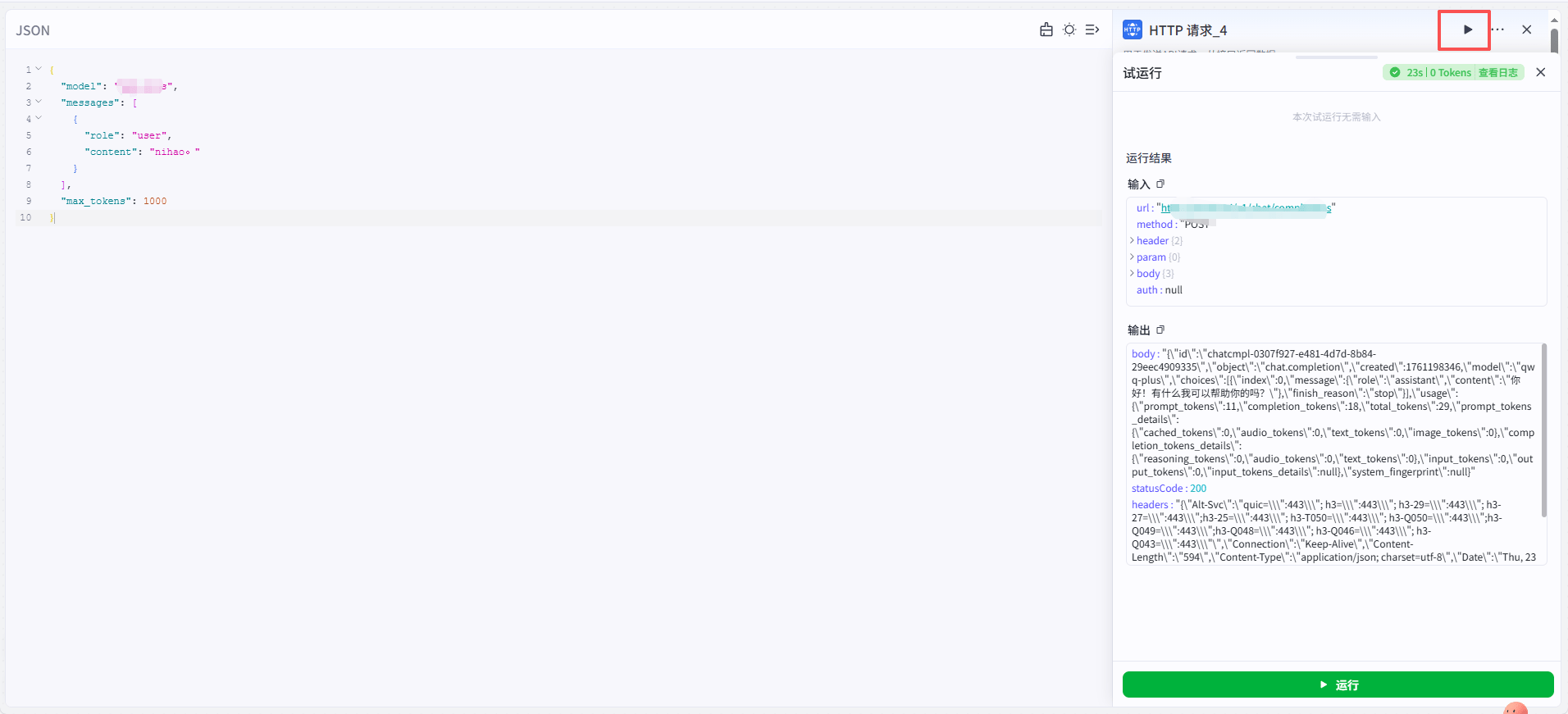
4. Fill in the details For the URL, enter https://anyrouter.win/v1/chat/completions
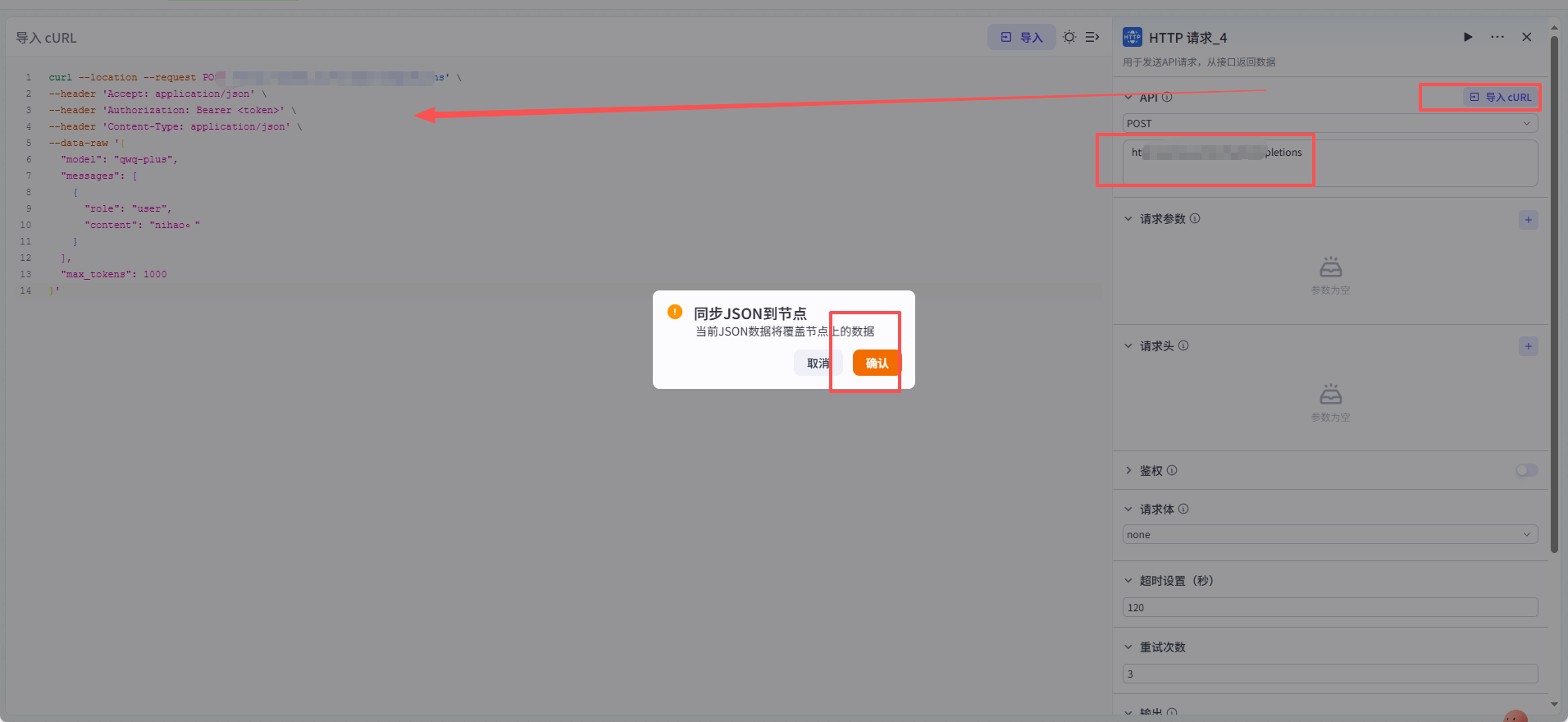
Fill in the API key
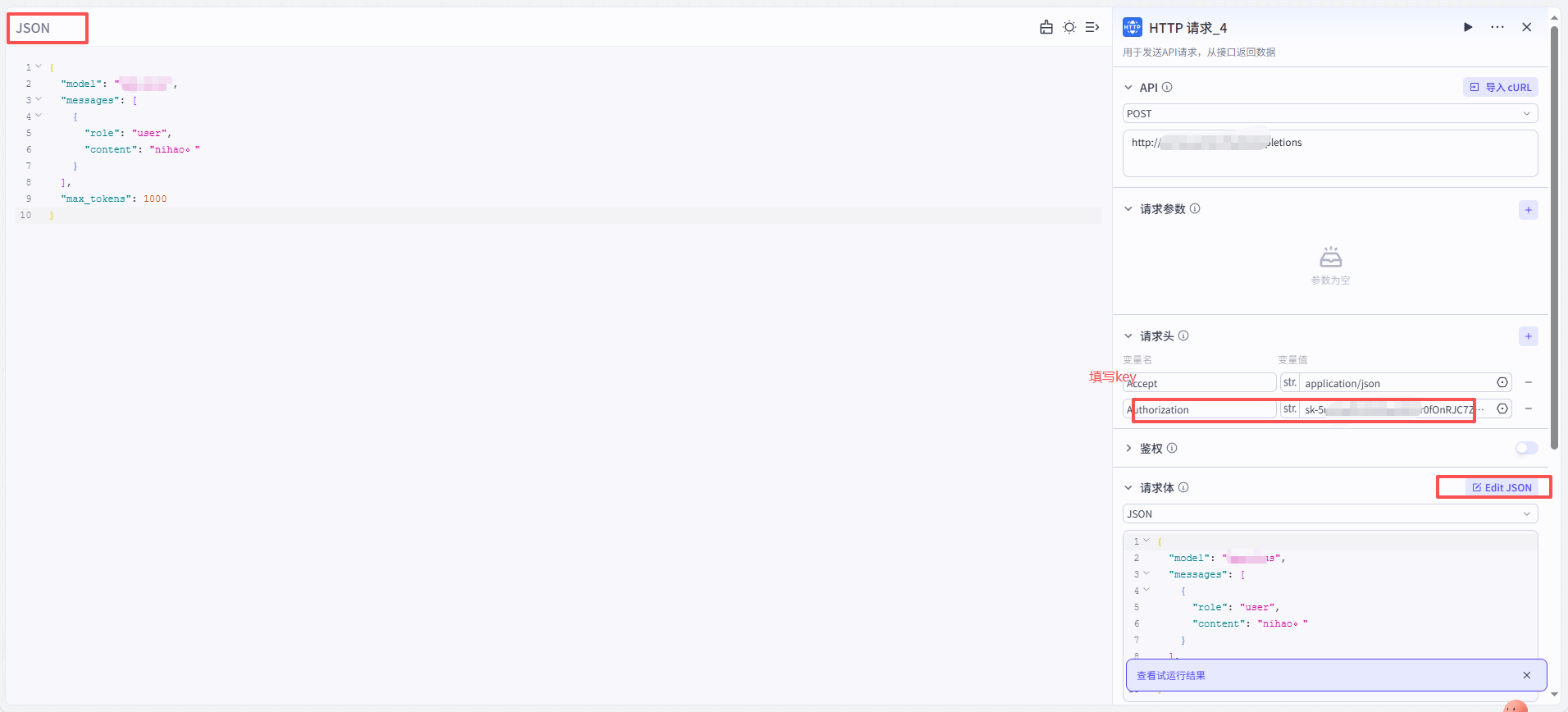
5. Click Test Run — success
Costrict Configuration Guide
Configure the open-source coding tool CoStrict with AnyRouter: install the CLI, add a custom provider via cs web, or use OpenAI Compatible in VS Code.
Cursor
Use your own API key in Cursor via AnyRouter: enable API mode, set the base URL, add custom models, and fix common errors like Verify Failed.