编辑器 & 工具配置
OpenClaw
OpenClaw 是可在本地运行、通过聊天应用工作的开源智能体平台。用 npm 安装后执行 openclaw onboard 引导,选择 custom providers,填入 AnyRouter 地址、API key 与模型 ID,即可完成 OpenAI 兼容接入并开始使用。
OpenClaw 是一个开源的智能体平台,可在你的本地机器上运行,并能通过你已经在使用的聊天应用来工作。
安装
安装前请确保 Node>=22
执行安装指令
npm install -g openclaw@latest终端配置
打开终端,运行以下指令开始配置
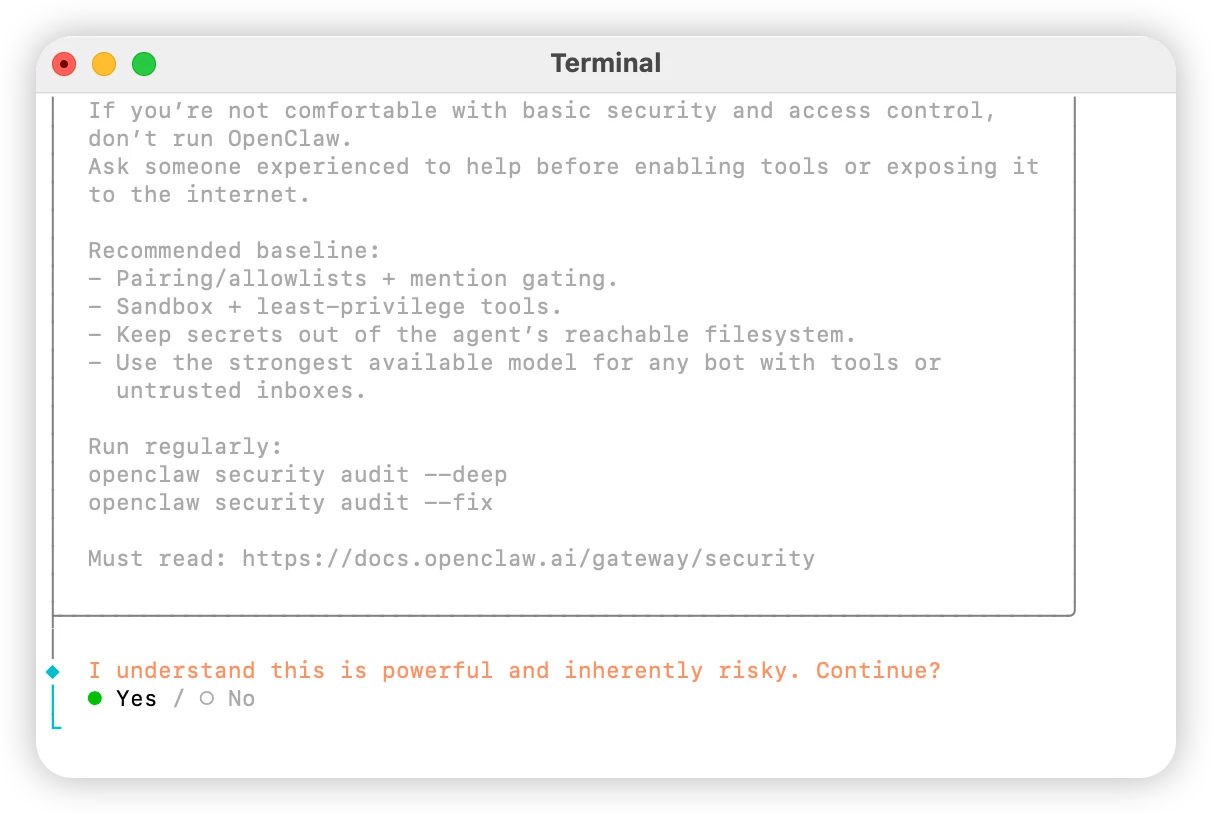
openclaw onboard选择 Yes
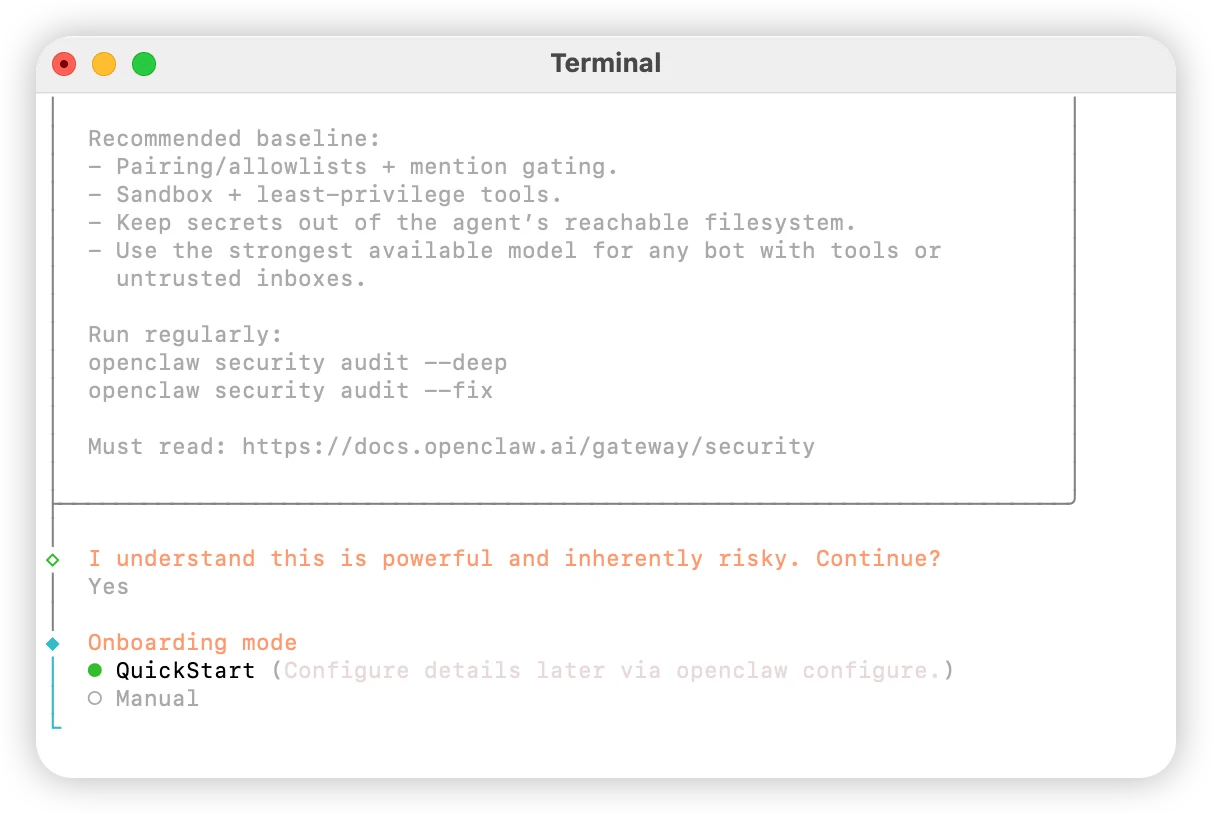
选择 QuickStart
选择 Skip for now
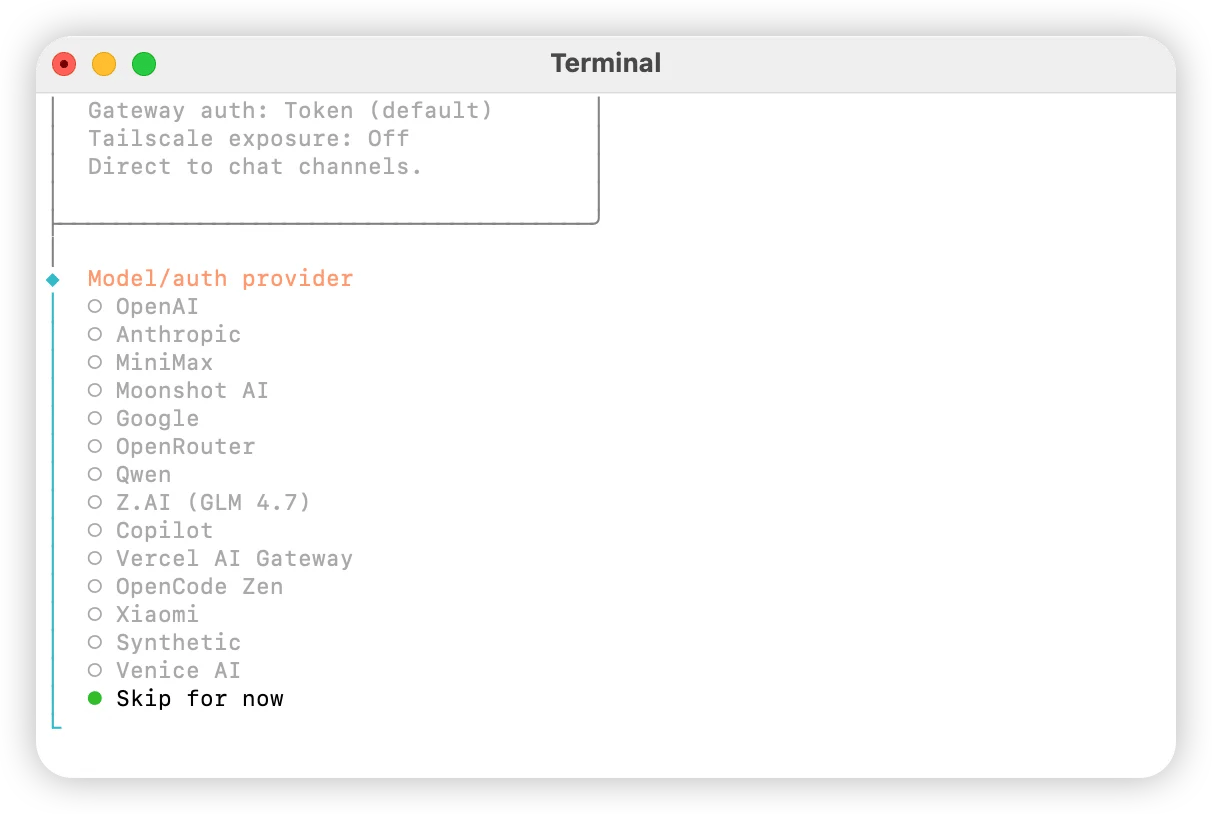
选择 custom providers
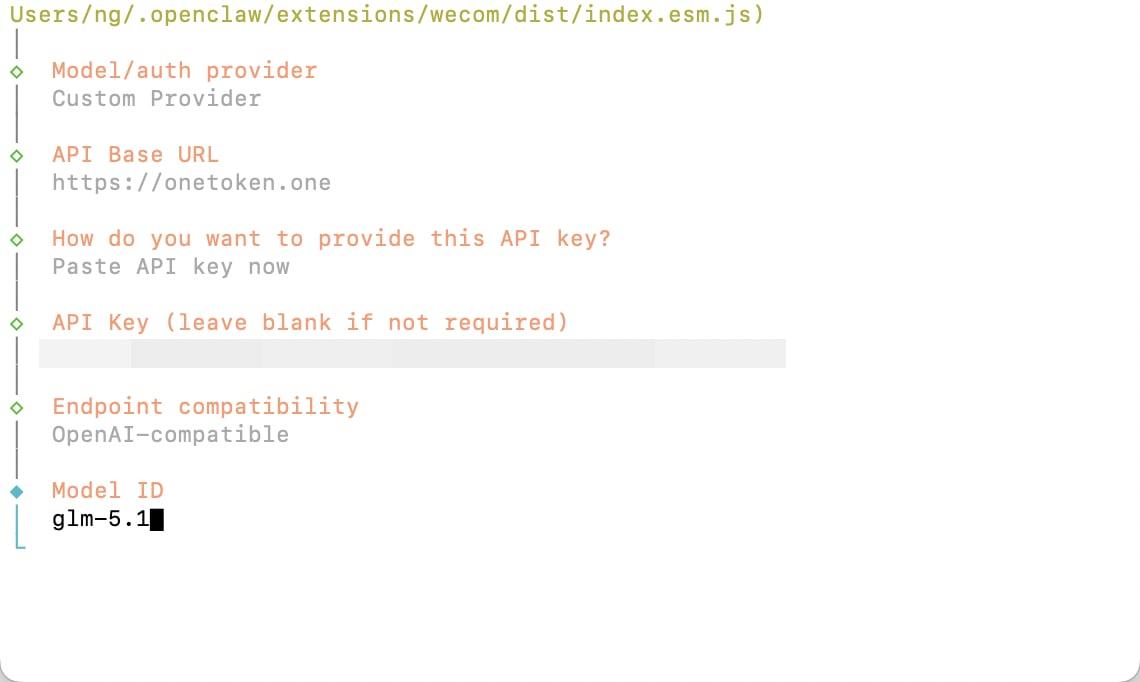
填入 https://anyrouter.win
默认回车
填入平台获取的 API key
选择 OpenAI-compatible 回车
填入需要使用的模型 ID
根据需求关联个人账户,如无相关需求请选择 Skip for now
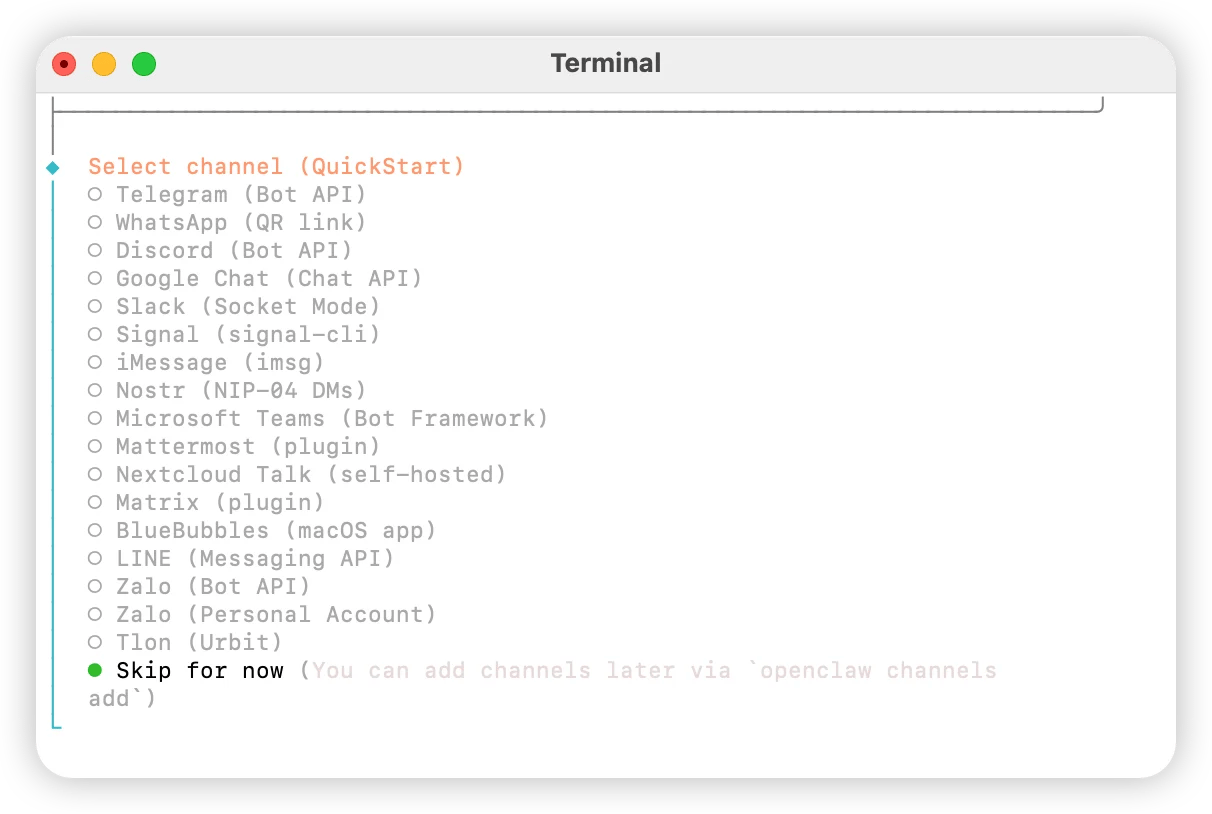
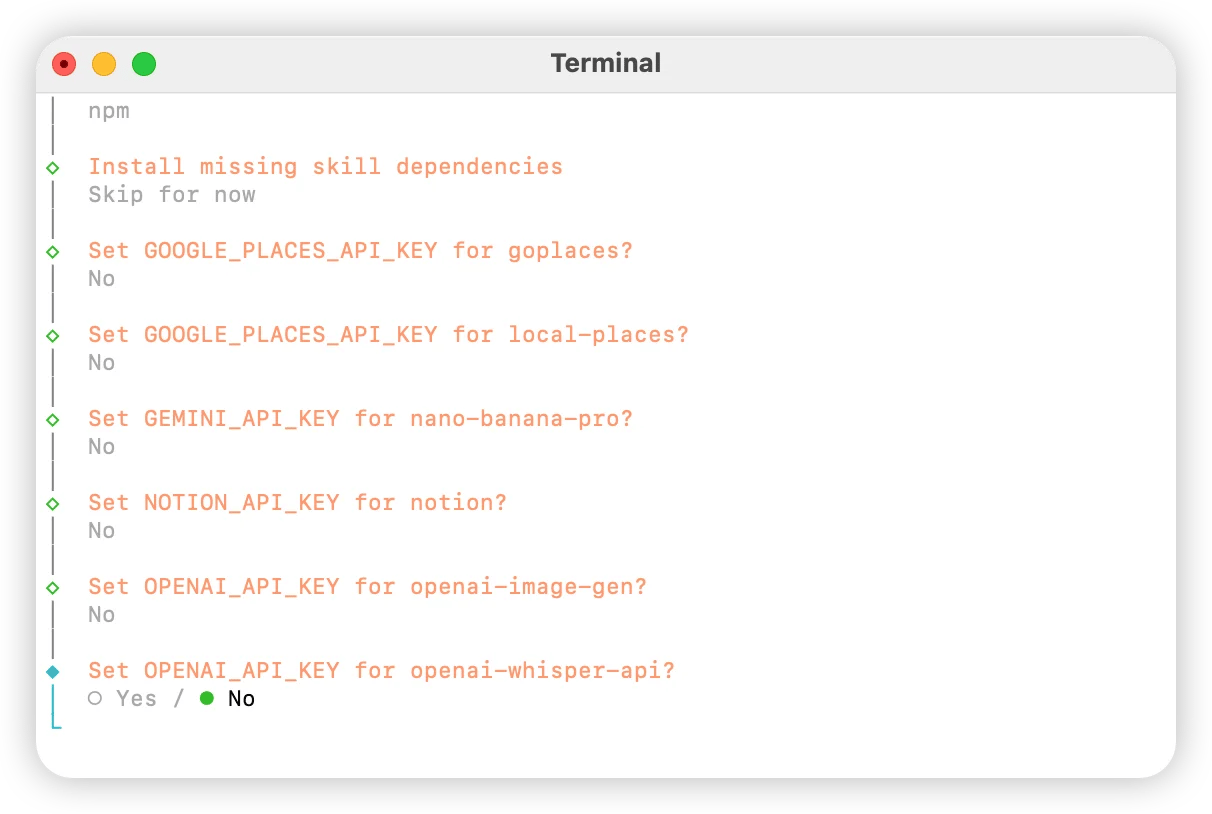
配置技能,选择 Yes
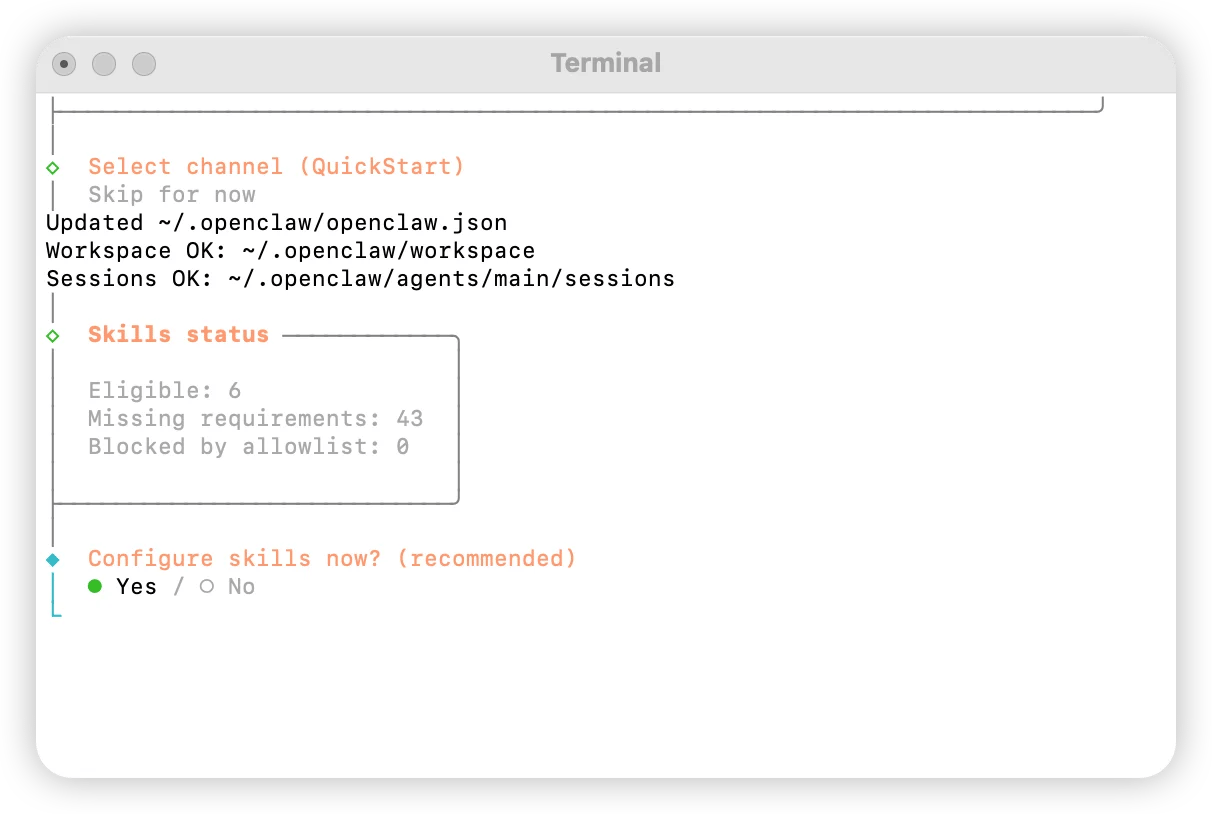
选择 npm
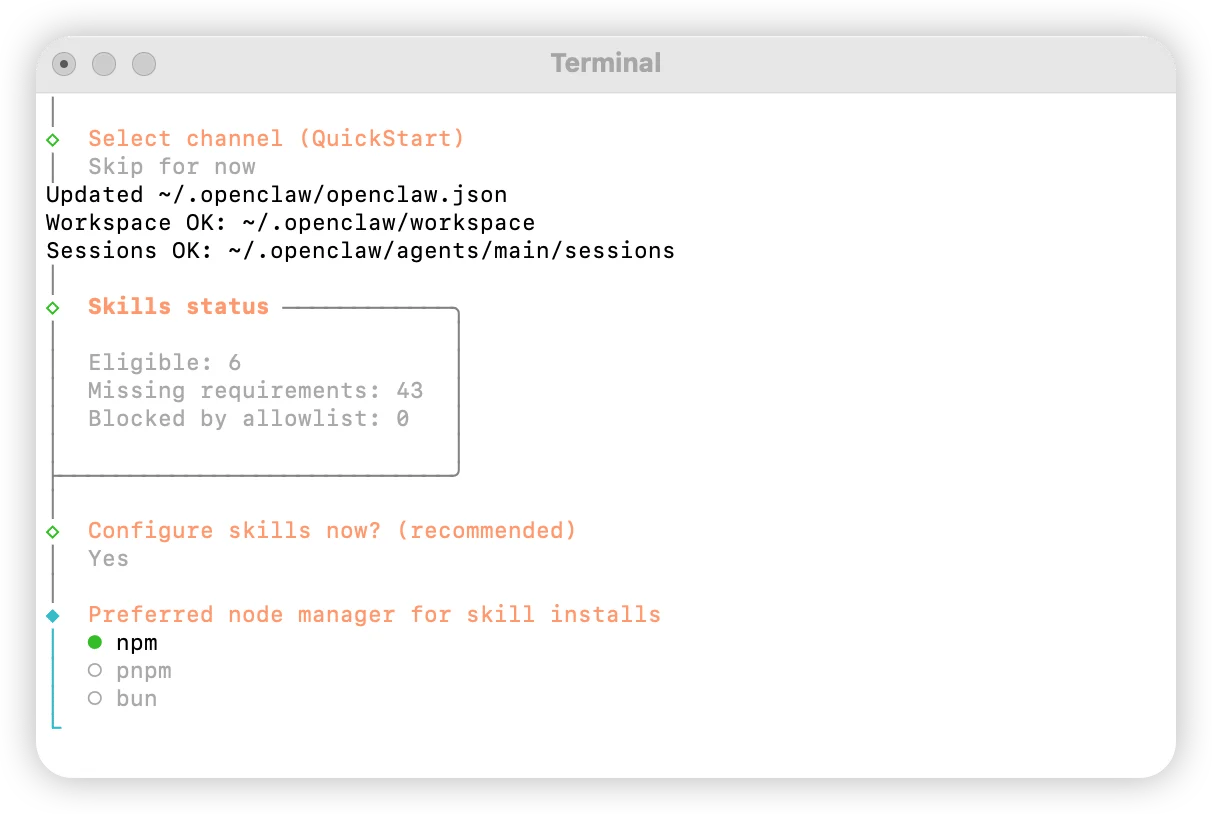
根据需求配置技能选择
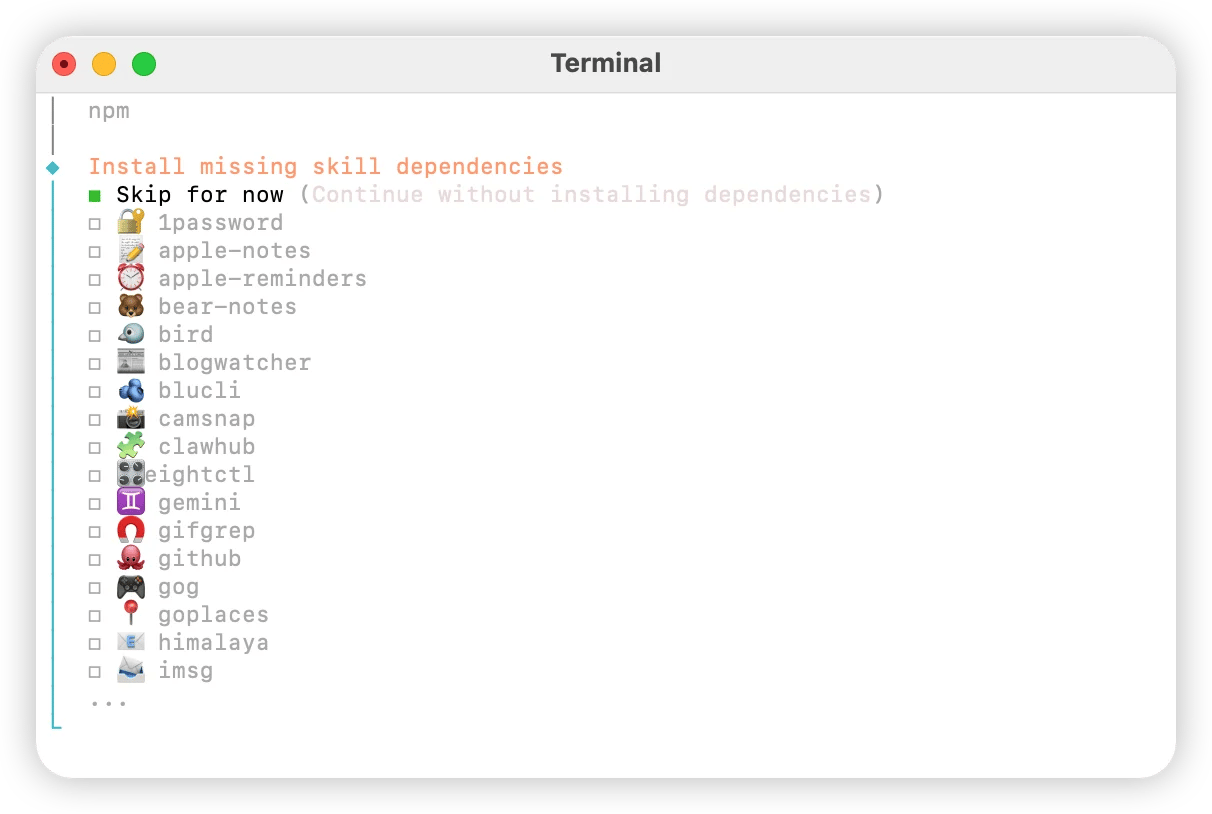
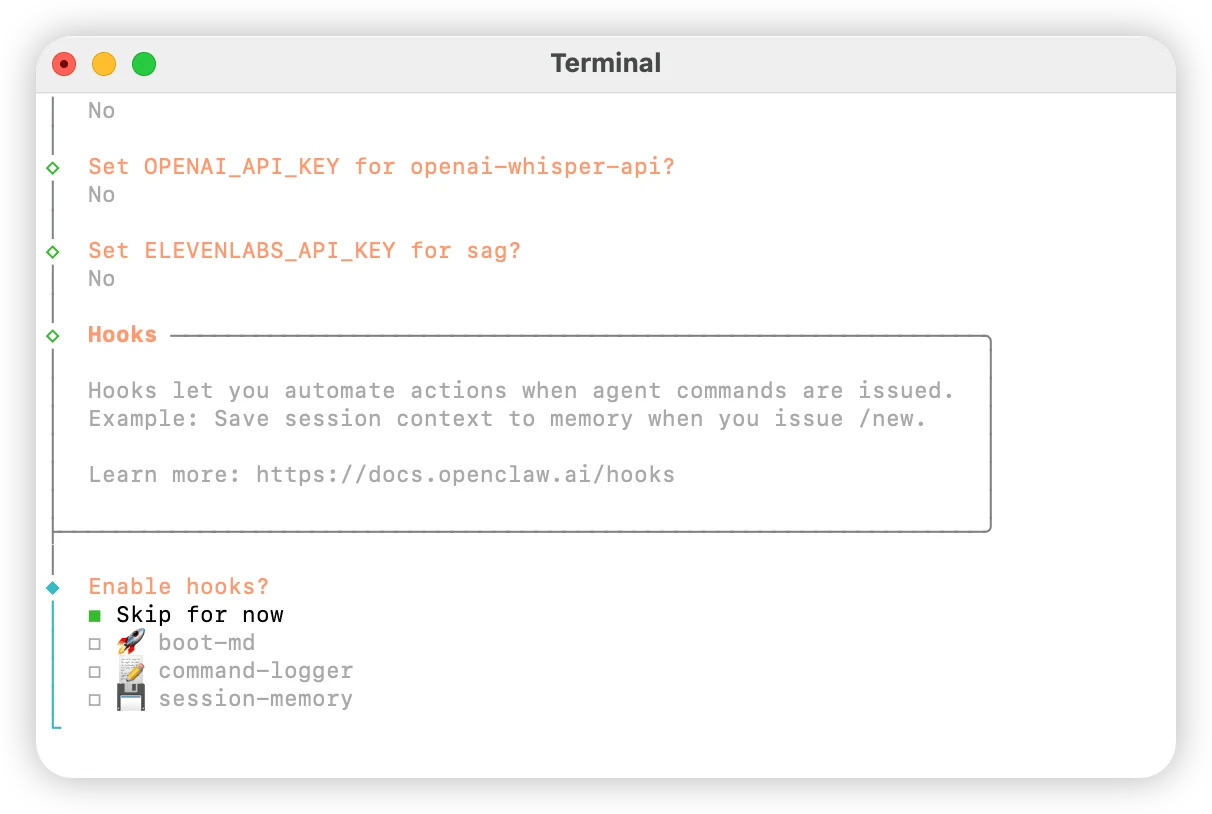
全部选择 No
选择 Skip for now
选择 Hatch in UI